Onboarding Initiation
Modified on: 2026-05-07 14:35
TABLE OF CONTENTS
Before starting the onboarding workflow, you need to set up the email addresses that will receive system notifications.
Step 1 Email Configuration
Enter the email address(es) where notifications should be sent. To add multiple recipients, separate each email with a comma (",").
You may use a team email alias (e.g., onboarding@yourcompany.com) to facilitate information sharing across team members.
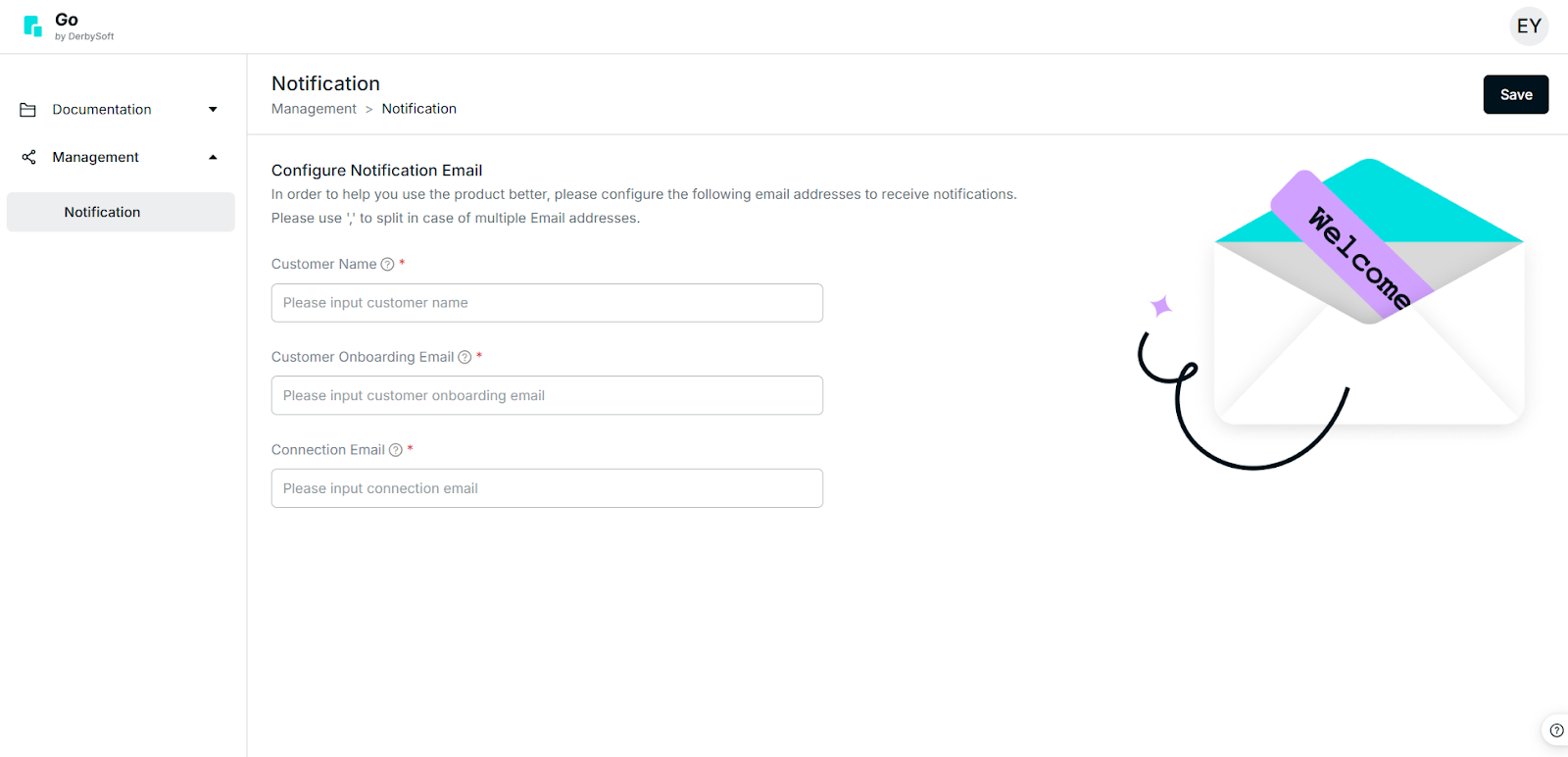
Email Roles & Responsibilities
Customer Onboarding Email
Used by the person managing the end-to-end onboarding process. Responsibilities include:
- Managing billing addresses
- Setting up APIs
- Coordinating with DerbySoft for certification
- Configuring the PROD environment
Connection Email
Used by team members involved in the connection implementation process.
Step 2 Implementation Fee & Contract Approval
After you submit your email addresses:
- Your contract will be reviewed and approved by our team.
- The Finance team will issue an invoice for the implementation fee.
- Please allow 1-2 business days to receive the invoice via email.
As part of the service activation, a one-time implementation fee applies. This fee, outlined in your contract, is mandatory to access the Unigic Go services and will be invoiced in accordance with the agreed terms.
Tip
The invoice is due 30 days from the date of issue.
To ensure access to the services, please provide the payment reference to DerbySoft by the due date.
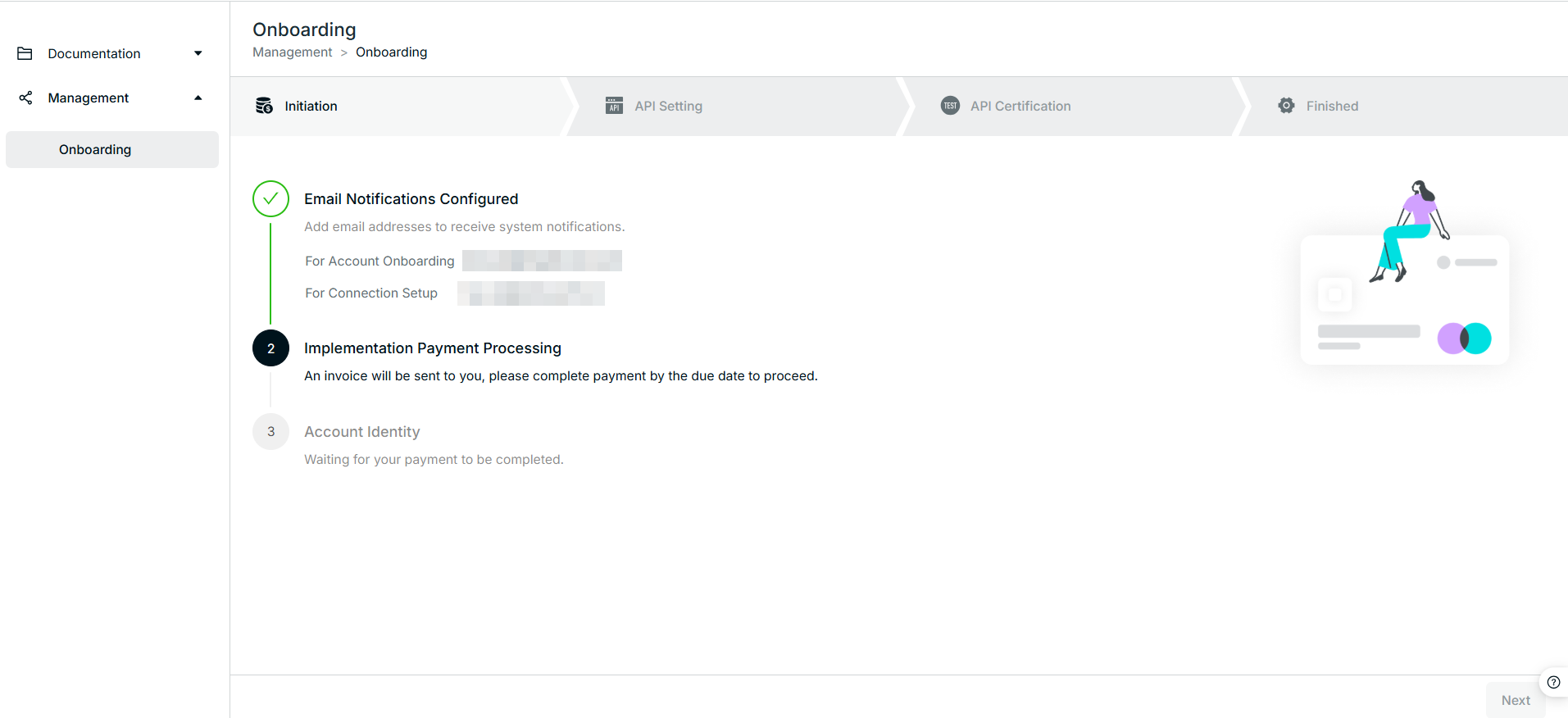
Step 3 Account Activation
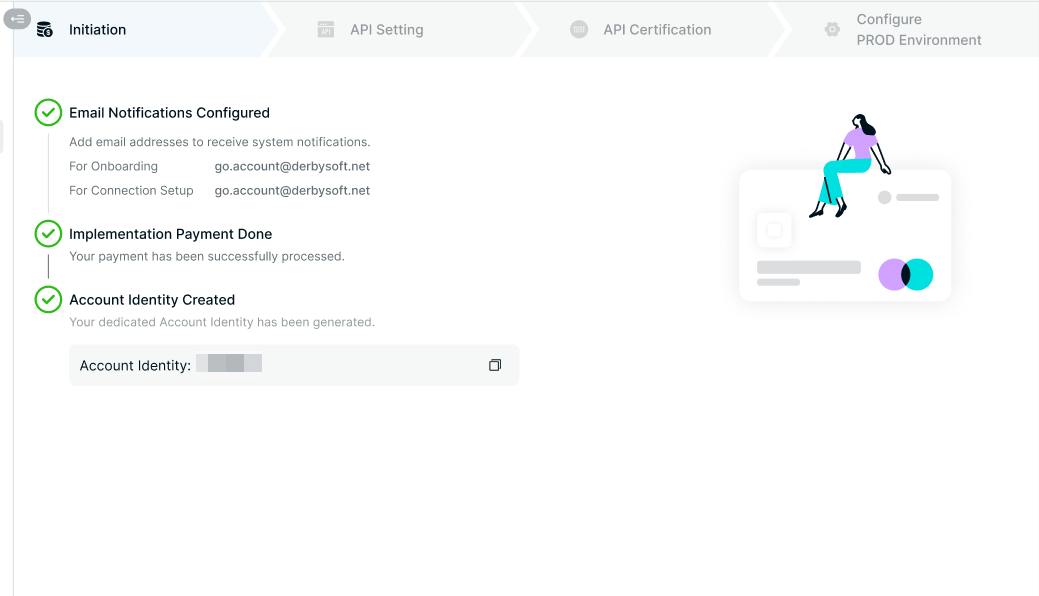
Upon receipt of the implementation fee payment or completion of the contract audit, the DerbySoft support team will activate your account and assign you an Account ID.
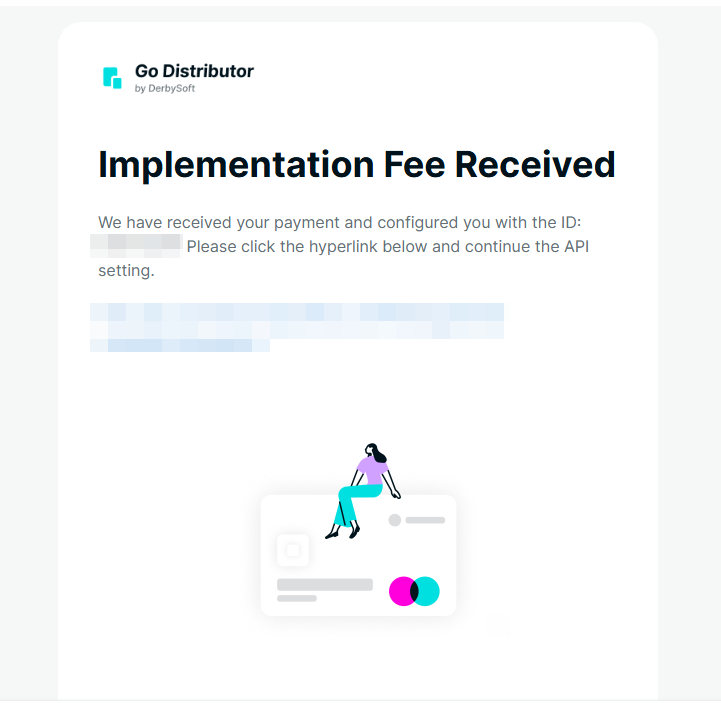
This Account ID serves as your unique identifier across the Go platform. Please reference it in all future correspondence related to your account.
Did you find it helpful? Yes No
Send feedback